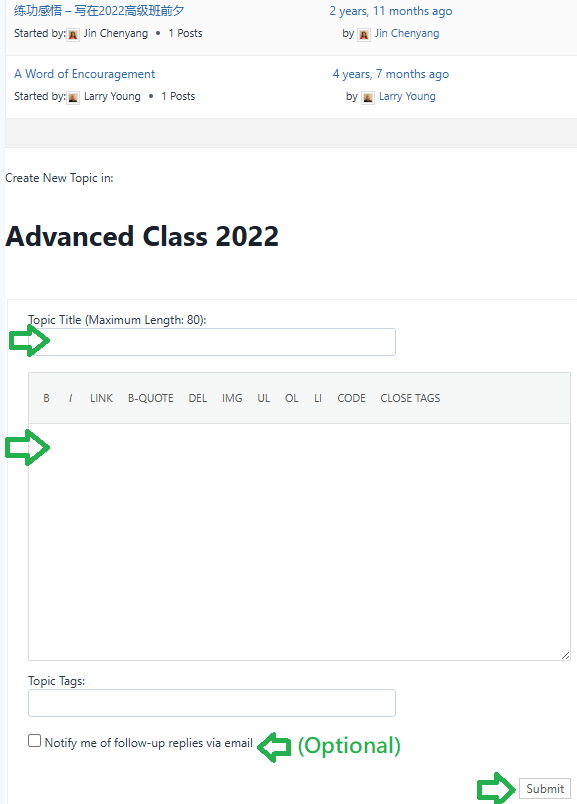
Each advanced class has a private group where classmates can share experience and stories. Within each group, there is a forum for posting long form content such as stories and journals. You can access your advanced class’ group forum by navigating to My Groups after logging in.
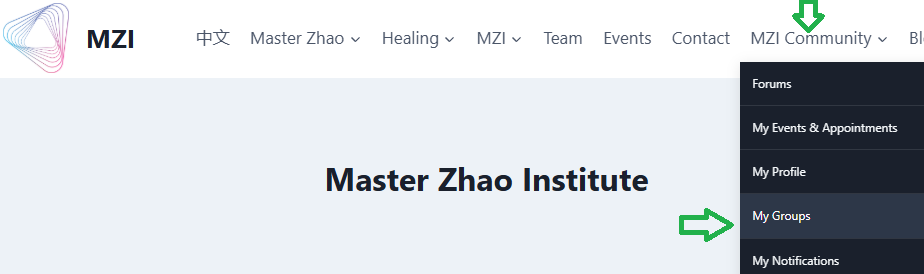
Navigate to MZI Community -> Log In to log in to your account

Click My Groups
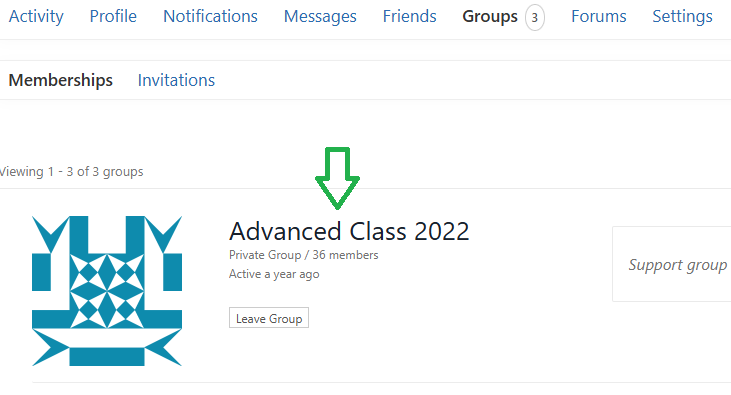
Click your Advanced Class group, the example below is Advanced Class 2022
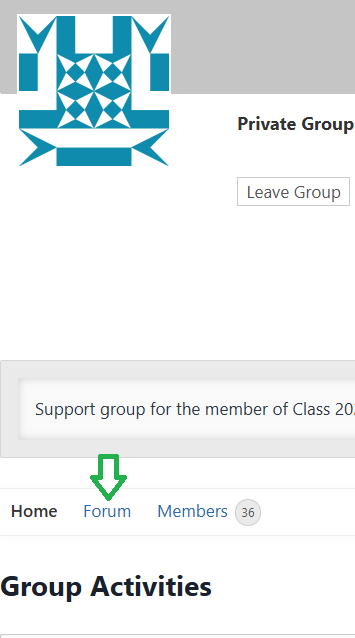
In the advanced class group page, click the Forum tab
Scroll to the bottom of the forum page to create a new topic – add topic title, content, then click Submit.