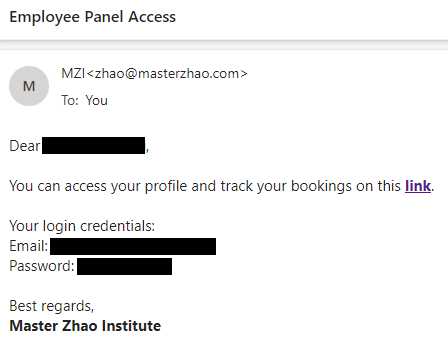
Once you are given access to the employee panel, you will receive an email with “Employee Panel Access” as subject, which contains the link to the employee panel, your login email and a temporary password, as shown in the screenshot below. Please save the link so that you can get back to it in the future.
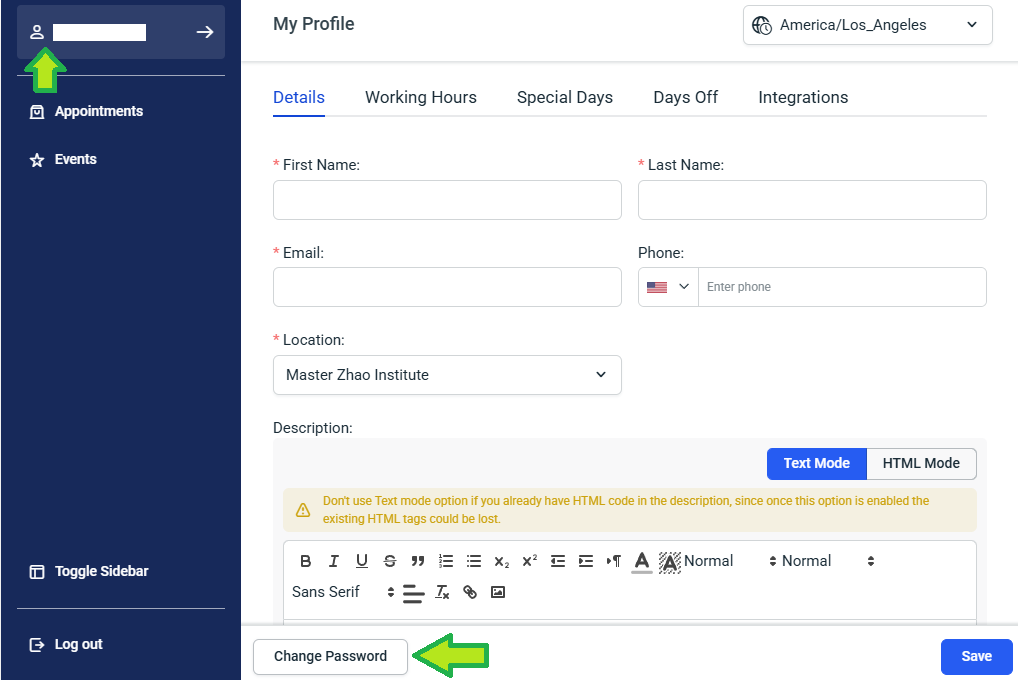
Click the link in the email to go to the Employee Panel page and login. After logging into the employee panel for the first time, please change your password immediately by clicking the “Change Password” button in your profile, as shown below in the screenshot below.
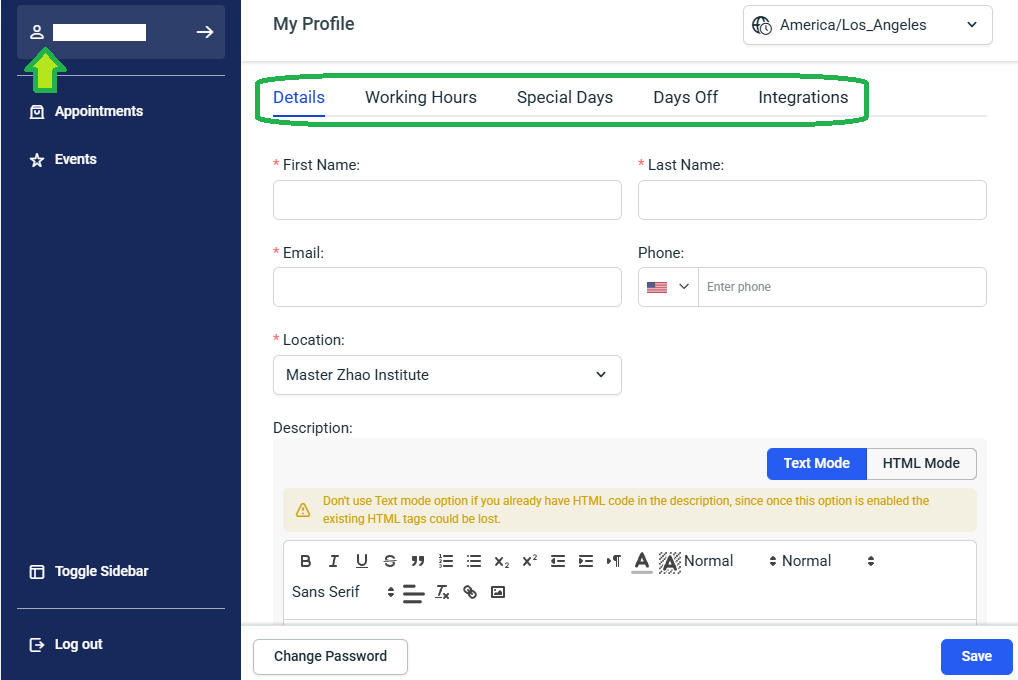
After changing your password, you can update your profile information, working hours, days off and special days under your profile.
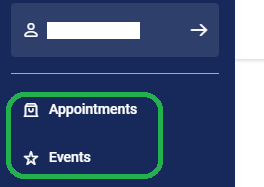
You can see upcoming appointments and events that are assigned to you by clicking the corresponding tab.