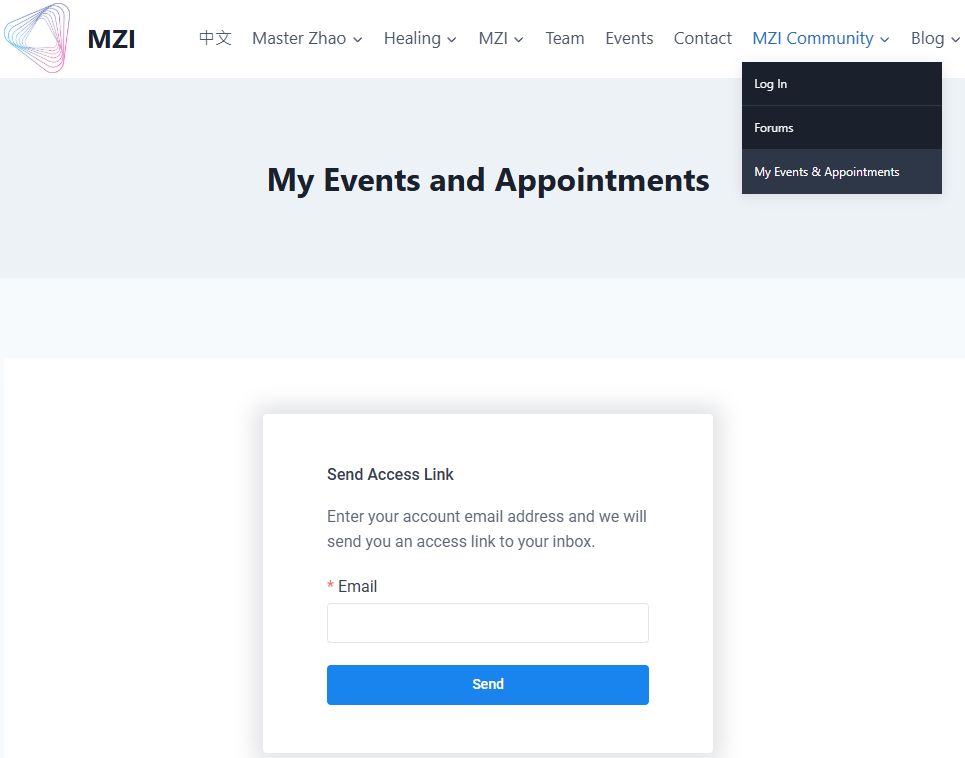
To view events and appointments that you have signed up for, please click “My Events & Appointments” from “MZI Community“. In that page, enter the email you used for signing up, then an access link will be sent to your email inbox.
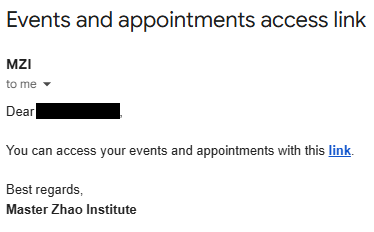
Check your email for an email called “Events and appointments access link” from MZI and click the link inside the email to go to your events and appointments page.
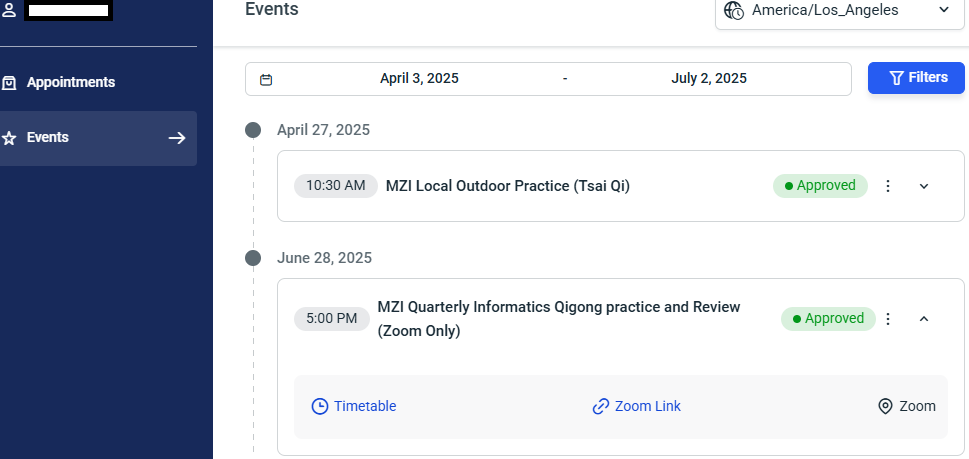
After clicking the link, you will be brought to this page below. There are two tabs, appointments and events, each of which will list details of the items you signed up for.
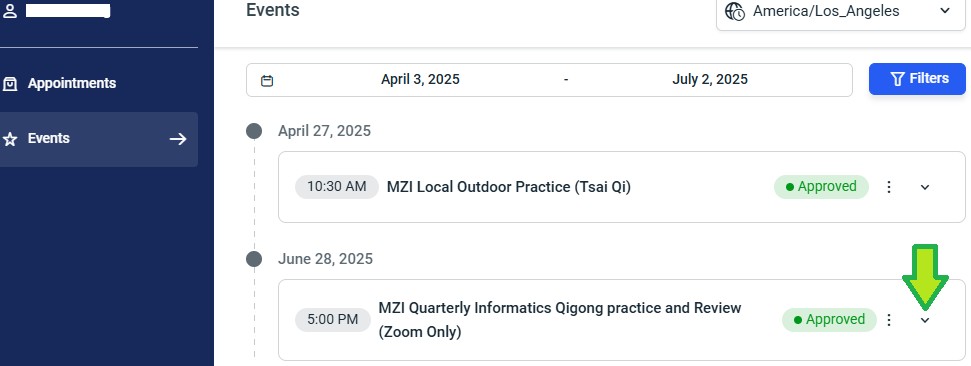
Click the arrow on the right of the item to see more details, such as location and zoom link, when available.